Customer notifications
Keep customers informed about account activity, service changes, and important updates.
Reach customers, employees, and stakeholders with reliable SMS from one dashboard. Create a free account, top up with M-Pesa, request a Sender ID, and start sending campaigns, alerts, and OTPs across Kenyan mobile networks.

About Altify SMS Hub
Altify SMS Hub is the SMS messaging product of Altify Solutions, a Nairobi-based software and cloud agency. It is built for organisations that need a practical way to send operational and marketing SMS — from schools and clinics to retailers, logistics teams, and product companies.
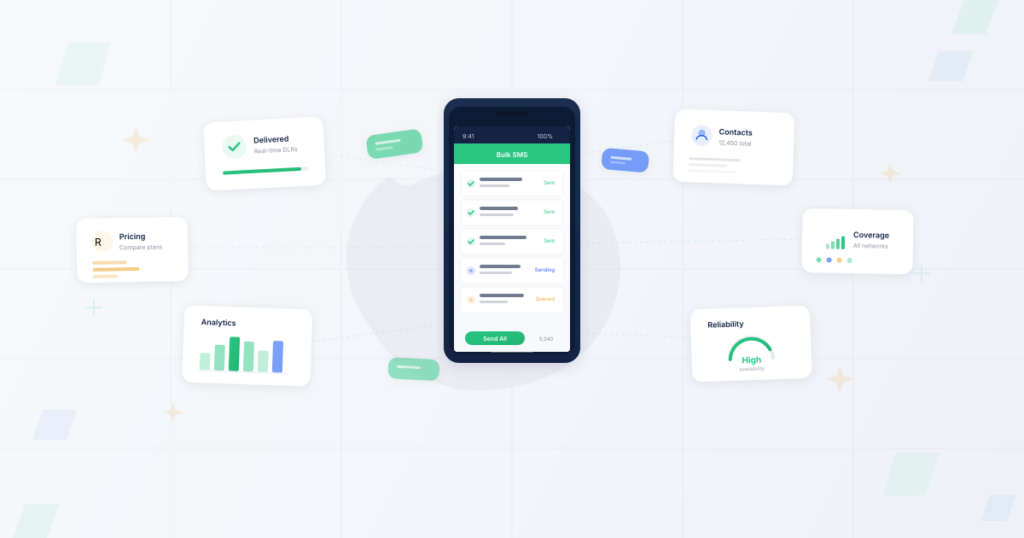
Capabilities available in Altify SMS Hub today — not a wishlist.
Campaigns
Create campaigns, select contacts or groups, personalise messages, and send at scale from your dashboard.
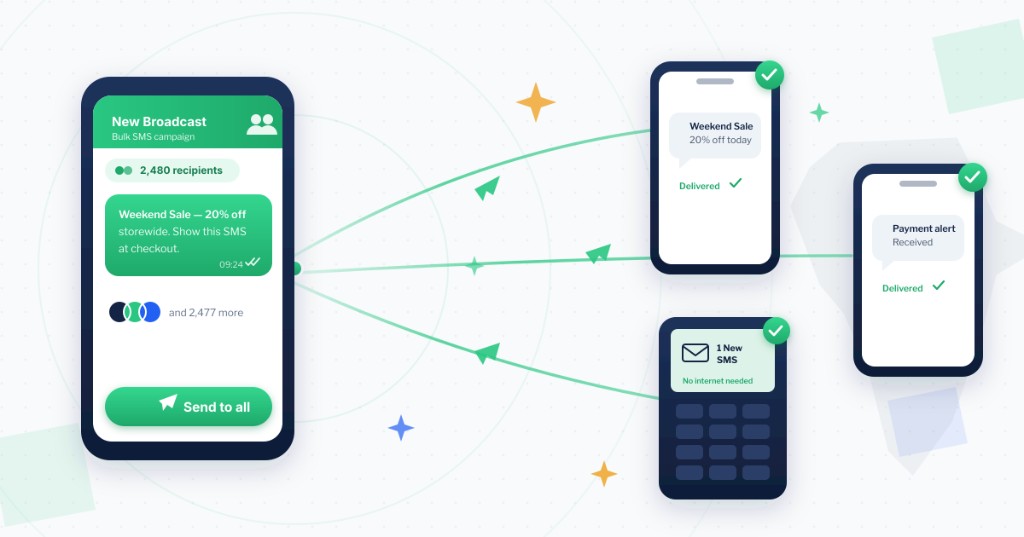
Compose
Send a single SMS or message selected contacts immediately from Compose — ideal for support, follow-ups, and urgent notices.
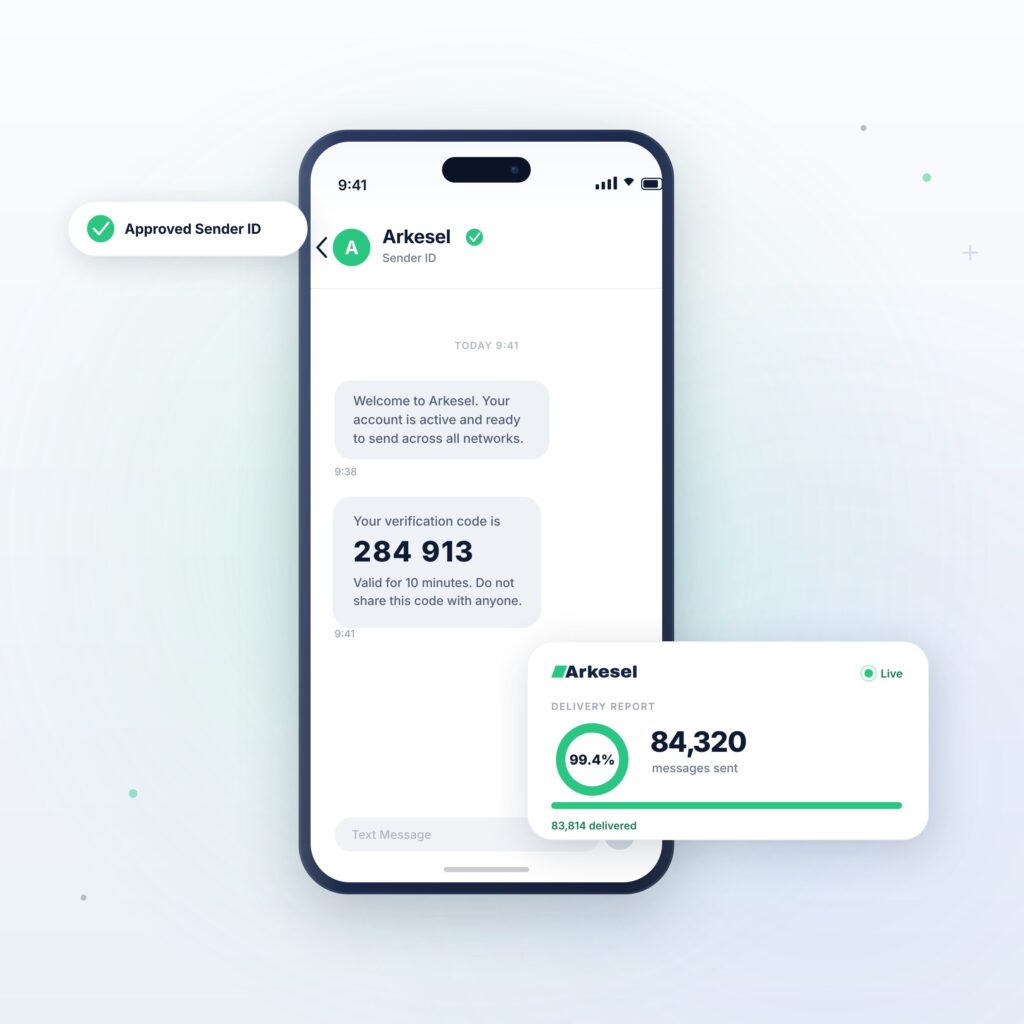
Contacts
Maintain your phonebook, organise recipients into groups, and import Kenya-ready CSV or Excel files.
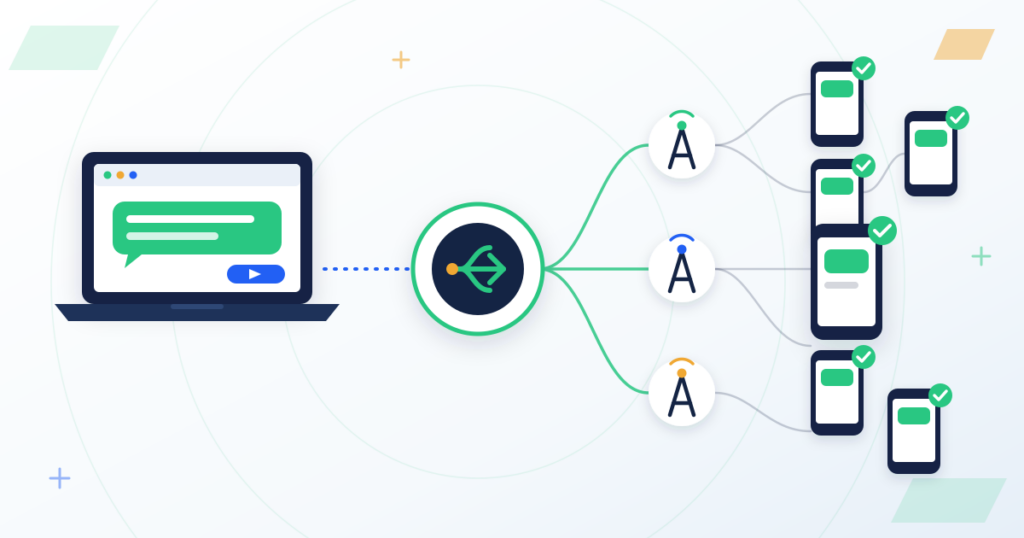
Billing
Accounts are free to create. Purchase SMS credits via M-Pesa top-up and track usage from your wallet and reports.
Developers
Authenticate with an Access Key to send SMS, check balance, and list Sender IDs from your own applications.
Practical ways Kenyan organisations use SMS Hub for customer and team communication.
Keep customers informed about account activity, service changes, and important updates.
Reduce no-shows for clinics, salons, and service businesses with timely SMS reminders.
Share order confirmations and delivery status with shoppers and logistics customers.
Confirm successful payments and receipts after M-Pesa or other collections.
Promote offers and announcements to opted-in contact lists and groups.
Reach parents and staff with exam notices, closures, and event updates.
Coordinate teams with shift changes, alerts, and internal notices.
Send one-time passwords and verification codes from Compose or via the API.
Notify customers about outages, renewals, and support follow-ups.
From signup to send — without a monthly subscription requirement to open an account.
Sign up for free and access the SMS Hub dashboard.
Add SMS credits to your wallet with M-Pesa when you are ready to send.
Submit and manage approved Sender IDs for branded outbound messages.
Add recipients individually or import CSV/Excel into groups.
Compose, campaign, or API-send — then review delivery in reports and message history.
Open a free account, top up SMS credits when you need them, and request a Sender ID to send under your brand. Need volume pricing? Talk to sales.
From KES 0.80 per SMS. Longer messages may use more than one unit.
Branded Sender IDs from KES 7,500.00, depending on type and network.
Need a custom quote for higher volumes? Contact sales.
Use your Access Key to authenticate against the SMS Hub API. Send single or bulk SMS, check wallet balance, list approved Sender IDs, and review public documentation for request parameters and error codes.
Open API docsReplace YOUR_ACCESS_KEY and ALTIFY with credentials from your account. Never publish live secrets.
curl -X POST "https://smshub.altifysolutions.com/api/services/sendsms" \
  -d "apikey=YOUR_ACCESS_KEY" \
  -d "message=Hello from Altify SMS Hub" \
  -d "shortcode=YOUR_SENDER_ID" \
-d "mobile=254712345678"Answers based on how Altify SMS Hub works today.
Altify SMS Hub is a business messaging platform from Altify Solutions. It lets organisations send SMS campaigns, individual messages, alerts, and OTPs from a web dashboard or API, with wallet-based SMS credits.
Businesses, schools, clinics, NGOs, developers, and other organisations in Kenya that need outbound SMS for customers, staff, or stakeholders. You create a customer account to access the hub.
Use Get Started / Sign up on the website to register a free customer account. After login you can top up credits, request a Sender ID, import contacts, and send messages.
From the dashboard use Compose for quick sends, Campaigns for bulk messaging, or the SMS API with an Access Key. Select an approved Sender ID, choose recipients (contacts, groups, or numbers), write your message, and send or schedule.
Accounts are free. You purchase SMS credits into your wallet (for example via M-Pesa top-up). Sends deduct credits according to your configured SMS rate card and message segments. Check Billing / Wallet for your balance and transactions.
Yes. Use Campaigns to message contacts or groups, import recipients from CSV/Excel, or call the bulk SMS API endpoint documented in the public API docs.
Open Contacts to add or edit recipients, organise them into Groups, and import Kenya-formatted CSV/XLSX sample files. Groups can be selected as campaign or compose recipients.
From Sender ID in your account, submit a request for the name you want to send as. Admin approval is required before it appears as an approved Sender ID. Fees may apply depending on admin Sender ID pricing settings.
Yes. Generate an Access Key under API / Authorization, then use the documented endpoints to send SMS, send bulk SMS, check balance, and list Sender IDs. See the public /docs section for parameters and examples.
Yes. Message overview, reports, and message logs show send status for dashboard and API traffic. Delivery outcomes depend on the downstream SMS gateway and network response.
Email info@altifysolutions.com or call +254 768 092 345. Office hours are Mon–Sat 8 am–5 pm EAT (Sunday closed), based at Kasarani, Seasons Road, Nairobi. You may also open a support ticket from your account when that module is enabled.
Failed or undelivered messages are recorded in message logs/reports with the available status from the gateway. Credits handling follows the platform wallet rules for the send attempt. Check Reports and contact support if you need help investigating a failure.

Tell us about your volume, Sender ID needs, or API integration. The Altify team usually replies within one business day (EAT).